
Imagery Processor
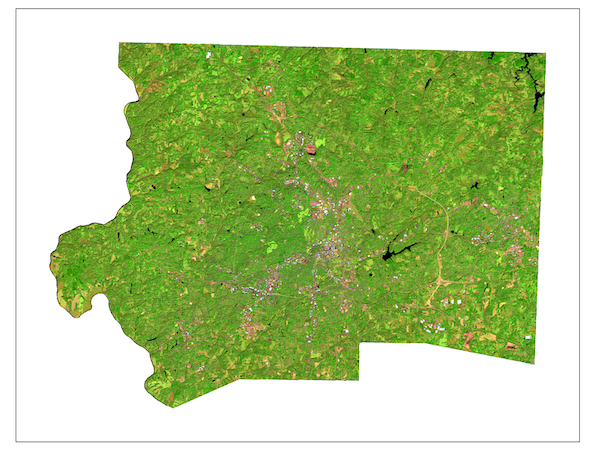
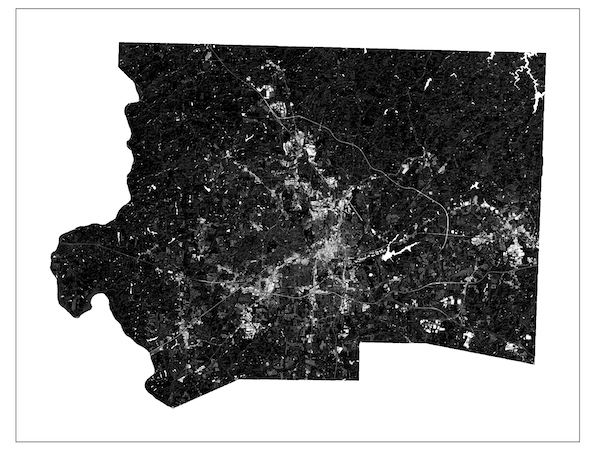
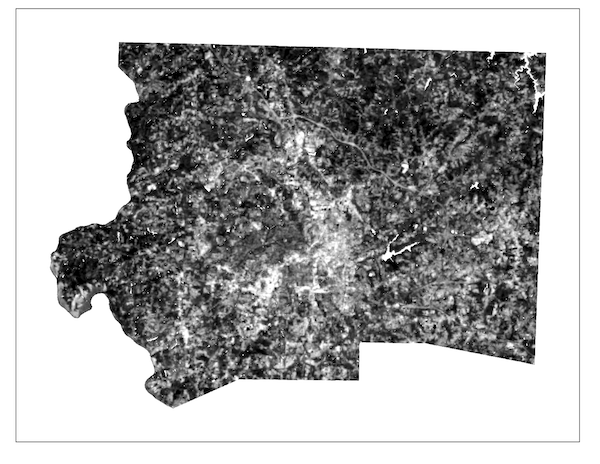
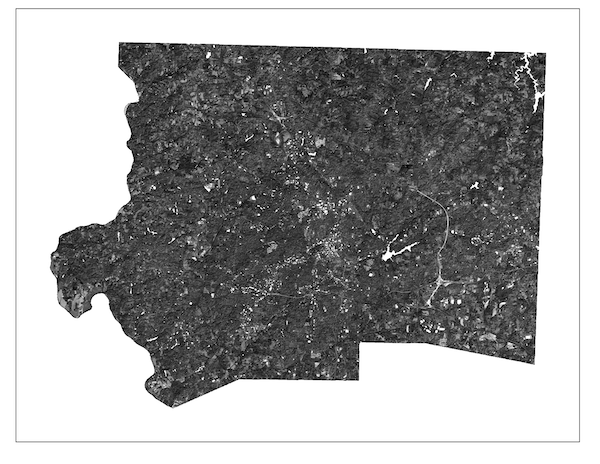
Image Processing and Analysis Tools
-
 Landsat Preprocessor
- Transform Landsat reflectance bands into water-masked extracted bands and a composite image with all bands presented in true color. Users can find the Iso Cluster reclassified raster in their workspace for highlighted water features and its accompanying water mask polygon.
Landsat Preprocessor
- Transform Landsat reflectance bands into water-masked extracted bands and a composite image with all bands presented in true color. Users can find the Iso Cluster reclassified raster in their workspace for highlighted water features and its accompanying water mask polygon.
-
 Sentinel-20m Preprocessor
- Transform Sentinel 2, 20m reflectance bands into water-masked extracted bands and a composite image with all bands presented in true color. Users can find the Iso Cluster reclassified raster in their workspace for highlighted water features and its accompanying water mask polygon.
Sentinel-20m Preprocessor
- Transform Sentinel 2, 20m reflectance bands into water-masked extracted bands and a composite image with all bands presented in true color. Users can find the Iso Cluster reclassified raster in their workspace for highlighted water features and its accompanying water mask polygon.
-
 Group Extract by Mask - Extract multiple images by mask in one go
-
 Useful Indices
- Users can create several useful indices with one tool. The only required bands for input are red and NIR. Red and NIR: NDVI (for vegetation); SWIR and NIR: NDBI (for built-up areas - best when image is clipped to city boundaries); SWIR and SWIR2: MBI (the modified bare-soil index for highlighting soil features); SWIR and Aerosol Blue: NDUSSI (normalized difference urban-soil segregating index for highlighting urban features in county level or regional images).
Useful Indices
- Users can create several useful indices with one tool. The only required bands for input are red and NIR. Red and NIR: NDVI (for vegetation); SWIR and NIR: NDBI (for built-up areas - best when image is clipped to city boundaries); SWIR and SWIR2: MBI (the modified bare-soil index for highlighting soil features); SWIR and Aerosol Blue: NDUSSI (normalized difference urban-soil segregating index for highlighting urban features in county level or regional images).
-
 Tasseled Cap XFMR - LS8/9
- Users can create the tasseled cap transformations (TC1, TC2, TC3) with Landsat imagery. TC1: Brightness; TC2: Greenness; TC3: Wetness.
Tasseled Cap XFMR - LS8/9
- Users can create the tasseled cap transformations (TC1, TC2, TC3) with Landsat imagery. TC1: Brightness; TC2: Greenness; TC3: Wetness.
-
 Image Normalization
- Rescale an image's digital numbers between 0 and 1
Image Normalization
- Rescale an image's digital numbers between 0 and 1
-
 Land Surface Temperature (LST) Estimator
- Use Landsat's thermal band and an NDVI to estimate land surface temperature. This tool will also deposit all requisite images like TOA (top of atmosphere radiance), PV (proportion of vegetation), and Emissivity into the user's workspace
Land Surface Temperature (LST) Estimator
- Use Landsat's thermal band and an NDVI to estimate land surface temperature. This tool will also deposit all requisite images like TOA (top of atmosphere radiance), PV (proportion of vegetation), and Emissivity into the user's workspace
-
 Soil Moisture
- Use red and NIR bands to estimate soil moisture using the perpendicular draught index (PDI).
Soil Moisture
- Use red and NIR bands to estimate soil moisture using the perpendicular draught index (PDI).
Classification Tools
-
 Binary Thresholding
- Use the statistical distribution of values in an indexed image for semi-automatic classifications.
Binary Thresholding
- Use the statistical distribution of values in an indexed image for semi-automatic classifications.
-
 Single Feature Classification
- Users can classify a composite image by dropping sample points on examples of the target feature and examples of extraneous features to extract values into a machine learning pipeline that will dynamically select hypertuning parameters based on input data.
Single Feature Classification
- Users can classify a composite image by dropping sample points on examples of the target feature and examples of extraneous features to extract values into a machine learning pipeline that will dynamically select hypertuning parameters based on input data.
-
 VIS Spectral Unmixing
- Users drop points to sample pure pixels (endmembers) for vegetation, impervious surfaces, and soils to create output rasters in which the value of each cell is equal to the fraction of the cell containing the subject feature.
VIS Spectral Unmixing
- Users drop points to sample pure pixels (endmembers) for vegetation, impervious surfaces, and soils to create output rasters in which the value of each cell is equal to the fraction of the cell containing the subject feature.
Image Retrieval Tools
-
 Landsat - Visit the Earth Explorer website to collect Landsat Imagery
-
 Sentinel - Visit the Copernicus website to collect Sentinel Imagery
Ready to get started with Imagery Processor?
Purchasing Info